
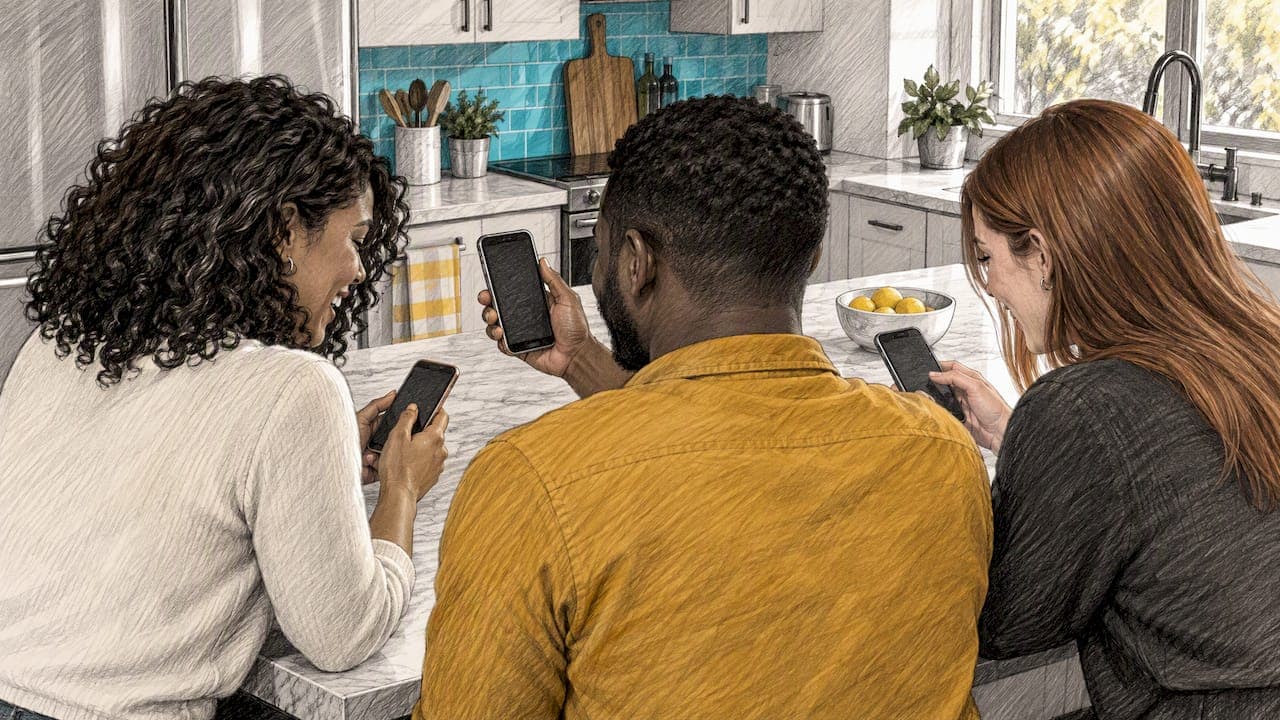
To connect phones for a quiz, one person starts the game, and everyone else joins it from their own phone with a code, a QR scan, an invite link, or by sitting on the same Wi-Fi as the host. Which method you use depends on one question: are you in the same room, or spread across different places? This guide covers both, plus the TV setup, the solo option, and what to check when a phone refuses to join.
TL;DR
- Same room: put every phone on the same Wi-Fi, then join with a code, a QR scan, or the host's local room.
- Different places: send an invite link or code in a group chat and start a video call so people can react.
- TV: the TV is just a big scoreboard. Players still answer on their phones, so you need one screen-mirroring device or a laptop with an HDMI cable.
- Phone will not join: check Wi-Fi first, then app permissions, then the code, then restart the app.
- Playing alone needs no connection at all beyond the app itself.
Table of Contents
- The three ways phones join a quiz
- Connecting phones in the same room
- Connecting phones when you are not in the same place
- How to host a quiz from your phone
- Showing a quiz on a TV
- Playing a quiz on your phone by yourself
- What to do when phones will not connect
- Movie, TV and anime trivia on phones with friends
- Where Flicksy fits
- Our perspective: speed is what makes a phone quiz work
- FAQ
- Sources
The three ways phones join a quiz
Nearly every phone quiz uses one of three entry methods. Knowing them makes any quiz app feel familiar.
A game code (PIN). The host's screen shows a short number. Everyone opens the app or a join page, types it in, and picks a nickname. It is the most universal method and works even when a camera is awkward to use.
A QR code. Same idea, less typing. Players open the camera, point it at the code on the host's screen, and tap the link that appears. In a room of ten people this is noticeably faster than typing ten codes.
An invite link. The host copies a link and drops it into a group chat. This is the right choice when nobody shares a room. Tapping the link opens the game directly.
A walkthrough of joining a live quiz by PIN, QR code or invite link notes that most live games do not require an account just to join, which matches what most hosts see: guests arrive, type a nickname, and play. That said, apps differ, and an account usually matters later if you want saved scores or leaderboard history.

Connecting phones in the same room
Local play is the simplest setup and the one most people mean by this search. Here is the sequence that avoids almost every problem.
- Get everyone on one network. Ask guests to join the same Wi-Fi network as the host. If your home has a guest network and a main network, pick one and make sure all phones use it. Phones that stay on mobile data can sometimes join online games, but they will not find a local room.
- Update the app beforehand. Do this the day before, not as guests arrive. An out-of-date version is a common reason one person cannot see the room everyone else sees.
- Host starts the game and shows the code. Put it where everyone can see it: the host's phone passed around, a laptop, or a TV.
- Everyone joins. Use the code, QR scan, or the room that appears in the app.
- Wait for the full list. Before starting, confirm the number of players on screen matches the number of people in the room. It takes five seconds and saves restarting midway.
One phone or many?
If your group is small and sitting close together, you do not always need every phone connected. Some party formats pass one phone around, or let several players take turns on a single device. That is how couch-style play works: everyone is in the same space, and the fun comes from shouting answers at each other. If you want ideas for that kind of evening, our list of couch party games for casual hosts shows what you can start with phones alone.

Connecting phones when you are not in the same place
Remote quizzes need a few extra moves, but they are easy once you have done one.
- Pick a time and send the invite link early. A message that says "tap this at 8:00" beats one sent as the game starts.
- Open a video call alongside. The quiz runs on phones, and the call carries the banter. If a person is on a phone only, they can run the call on a laptop or tablet instead.
- Have the host share the code or link again in the chat when the game opens. Chats scroll, and people lose the first message.
- Agree on a fallback. If someone drops out, they rejoin with the same link. Tell them not to close the chat.
For a full plan, including how to run the evening without anyone downloading anything extra, see our guide to setting up a remote trivia night for friends. Larger groups have different needs, and we cover those in large group trivia modes for movie, TV and anime fans.
How to host a quiz from your phone
You do not need a laptop to run a group quiz. A phone is enough for a casual night.
- Choose the content before guests arrive. Pick a category your group actually cares about. A mixed crowd is happiest with movies and TV; a specific friend group might want anime or a single franchise.
- Decide the format. Head-to-head, team versus team, or everyone for themselves. Teams of two work well because quiet people get to contribute.
- Set the pace. Short rounds of about ten questions keep attention. After each round, read out the standings.
- Have tie-breakers ready. Two teams will tie sooner or later. We keep a list of trivia tie-breaker questions for exactly that moment.
- Be the referee. If an answer is disputed, the host's ruling stands. State that at the start.
If you want a ready-made structure instead of building one, our host guide to pop culture trivia games with five ready-to-run rounds gives you the rounds in order.
Showing a quiz on a TV
People often ask what quiz game they can connect to a TV. The answer is almost always the same: the TV shows the questions and scores, while phones are the controllers. So the question becomes how to put your phone or laptop screen on the TV.
You have four realistic options:
| Method | What you need | Best for |
|---|---|---|
| Wireless casting or mirroring | A smart TV or streaming stick that supports casting, on the same Wi-Fi as your phone | Quick setups with no cables |
| HDMI cable from a laptop | A laptop with an HDMI port or adapter, and a free TV input | Reliable play when Wi-Fi is weak |
| Phone-to-TV cable adapter | A USB-C or Lightning adapter that outputs HDMI | Phones with no casting option |
| TV web browser | A TV with a browser that can open the host page | Hosts who want no extra gear |
Two habits help. First, test the connection before guests arrive. Casting often needs a different setting than you remember, and nobody wants to troubleshoot with ten people watching. Second, turn on Do Not Disturb on the hosting phone. A text notification popping up on a 55-inch screen is rarely welcome.
If you do not want to mirror anything at all, skip the TV. Everyone plays on their own screen, and the host reads standings aloud.
Playing a quiz on your phone by yourself
Solo play is the easiest connection of all: open the app and start. There is no code, no room, and no waiting for friends. It suits a commute, a lunch break, or any few minutes you have to spare. Our own daily TV quiz is built around that idea: ten questions, in under ten minutes.
Solo play also works as practice. If you plan to host, play a round yourself first so you know how the questions feel and how long they take.
What to do when phones will not connect
Work through this list in order. The first two items solve most cases.
- Same Wi-Fi? For local play, all phones need to be on the same network. This is the number one cause of a room that does not appear. Check the Wi-Fi name in settings on the phone that is struggling.
- Local network permission on iPhone. iPhones may ask whether an app can find devices on your local network. If someone tapped "Don't Allow", the app cannot see the host's room. Open Settings, find the app, and switch the local network permission on.
- Scan the host's code. If the room does not show up in a list, scanning the host's QR code or typing the code often works when browsing fails.
- Check the code. Codes expire when a game ends or restarts. Confirm that the host is showing the current one.
- Turn off VPN or a mobile hotspot. A VPN can hide a phone from the local network. A personal hotspot puts phones on different networks from the router.
- Restart the app, then the phone. Dull advice, but it clears stuck connections.
- Move closer to the router. Ten phones in a basement corner can overload a weak signal.
- Free up the network. If someone is streaming video in another room, pause it during the game.
And if one person still cannot get in, let them play with a neighbor and share a phone. Do not hold up eight people for one.
Movie, TV and anime trivia on phones with friends
Yes, friends can play movie, TV, or anime trivia together on their phones. This is the kind of content that works best for groups, because everyone has an opinion and a favorite. A movie fan, a sitcom rewatcher and an anime obsessive can all be right in the same round, and arguing about it is half the fun.
If your group is mixed, build rounds by category. A round of recent TV, a round of classic films, and one anime round gives everyone a moment to shine. For a ready-made anime night, see our no-prep anime party games, and for a general crowd try the pop culture quiz for friends.
Where Flicksy fits
Flicksy is a free-to-play trivia app built around rapid-fire questions on movies, TV shows and anime. It has three ways to connect phones, matched to how you want to play:
- Couch Party for local multiplayer when everyone is in the room.
- Blitz PvP for real-time head-to-head matches. Our guide to starting a 1v1 trivia match in seconds explains how it works.
- Solo Arena for endless quiz challenges on your own.
There are also daily quizzes, leaderboards and daily rewards, so there is a reason to come back after the party ends. You can try it at Flicksy.
Our perspective: speed is what makes a phone quiz work
We build a trivia game, so we watch how groups behave when phones come out. Our view is simple: connection should take less time than the first question. Every minute spent on codes and Wi-Fi is a minute the room's energy drops.
That is why we focus on fast play. Short, rapid-fire questions mean a late joiner misses little, a wrong answer is forgotten in seconds, and a quiet player can still win a round. We also think different groups need different modes. Friends in a living room want to shout at each other, which is why local play exists. Two rivals who want a clean contest want a real-time duel. A person on a train wants a quiz that starts immediately and asks nothing of anyone else.
Our advice to any host, whatever app you use: test the join process once before guests arrive, keep rounds short, and announce the rules in one sentence. A quiz night is judged by whether people laughed, not by whether the setup was clever.
— Aakash
FAQ
What is the easiest way to connect phones for a quiz?
A QR code. Players point their camera at the host's screen, tap the link, and they are in. If cameras cause trouble, a short game code does the same job with a bit more typing.
Can I play a quiz with friends who are in another city?
Yes. Send an invite link or code in a group chat and run a video call alongside, so everyone can hear each other. Ask people to join a few minutes early so the start is not delayed by stragglers.
What quiz game can I connect to my TV?
Most phone quizzes work with a TV, because the TV only mirrors the host's screen. Cast your phone or laptop to it, or connect a laptop by HDMI, and keep playing on each person's phone. Test the cast before guests arrive.
Why will my phone not find the quiz room?
Usually the phone is on a different network from the host, or an iPhone has the local network permission switched off. Fix both, then try scanning the host's code. If it still fails, restart the app.
Is there a quiz app I can play alone?
Yes. Many trivia apps include a solo mode that needs no code or friends. Flicksy's Solo Arena offers endless quiz challenges, and the daily quizzes take only a few minutes.